DataLogIQ

Diagnostic data analysis

Upload a recorded OBD2 or scan-tool log and turn raw sensor values, channels, findings and trouble codes into diagnostic information you can understand.

The question it answers“What is my vehicle data actually telling me?”

Works in your browser Desktop app in private beta
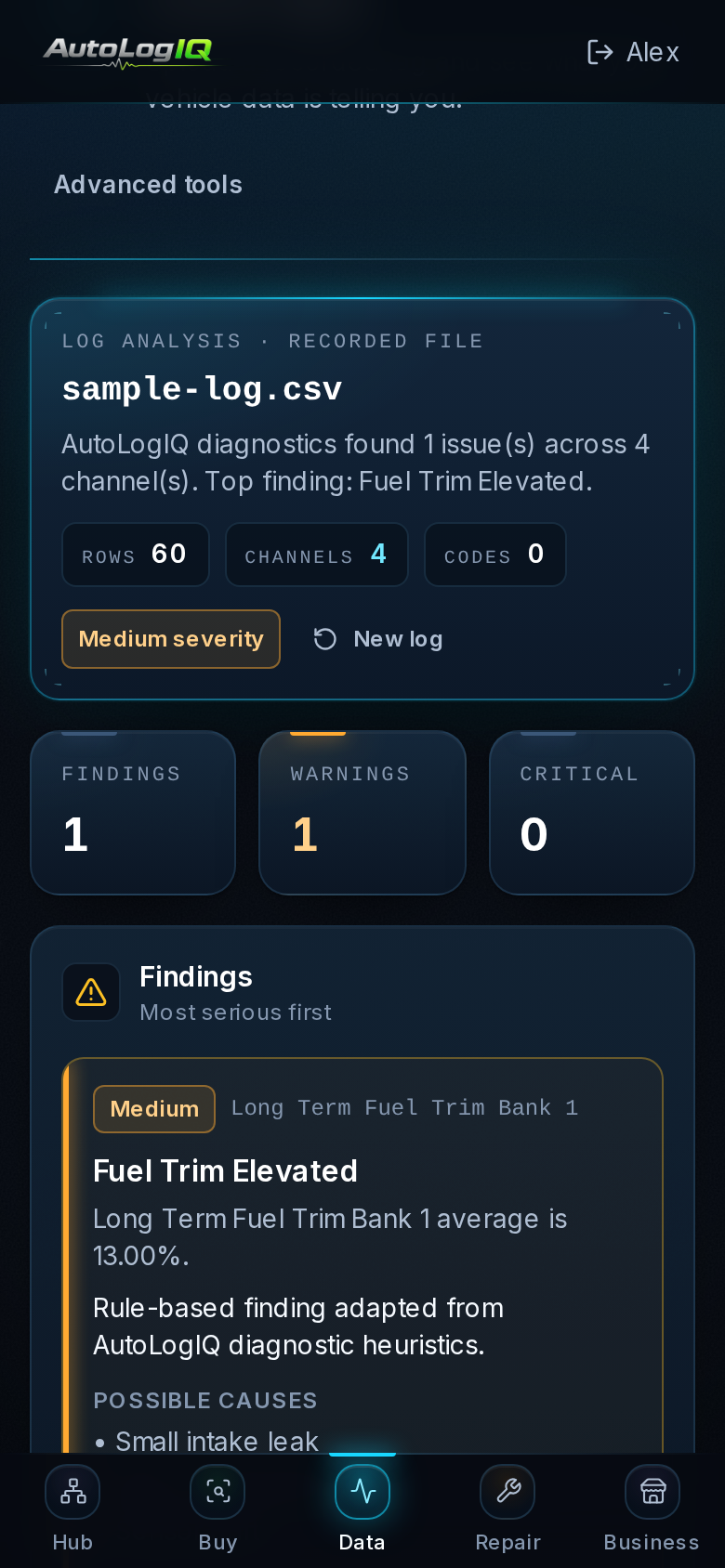
DataLogIQ in a phone browser (sample data)

DataLogIQ in a phone browser · sample data

Who it’s for

  • DIY mechanics
  • Enthusiasts
  • Technicians
  • Owners trying to make sense of a log

How it works

  1. 1.Record a log with your scan tool or logger
  2. 2.Upload the file
  3. 3.Review channels, findings and trouble codes

What you provide

  • A recorded log file from your scan tool or logger (CSV, TSV, TXT, JSON or XML in the browser)

What you get

  • Rows and channels found in the log
  • Minimum, average and maximum for each channel
  • Findings ranked by severity, with likely causes and next checks
  • Trouble codes recorded in the log

Core features

Channel overviewSeverity-ranked findingsTrouble codes from the logPlain-language explanations

In your browser

Yes — upload and analyze recorded logs in any modern browser. It does not connect to the vehicle live.

Analyze Diagnostic Data

Desktop

Desktop app (private beta) also opens binary logger formats (MDF4, BLF, FORScan FSL) and large local files.

Desktop app (private beta)

Free or paid?

Free account: the log summary, channel statistics and the first findings.

DataLogIQ or Pro plan, or a single-report purchase: every finding.

See pricing

Free account · every app

What is my vehicle data actually telling me?

DataLogIQ works in your browser with a free AutoLogIQ account.